You can download a single image from a dataset.
To do so, first open the image you want to download in Roboflow Annotate:
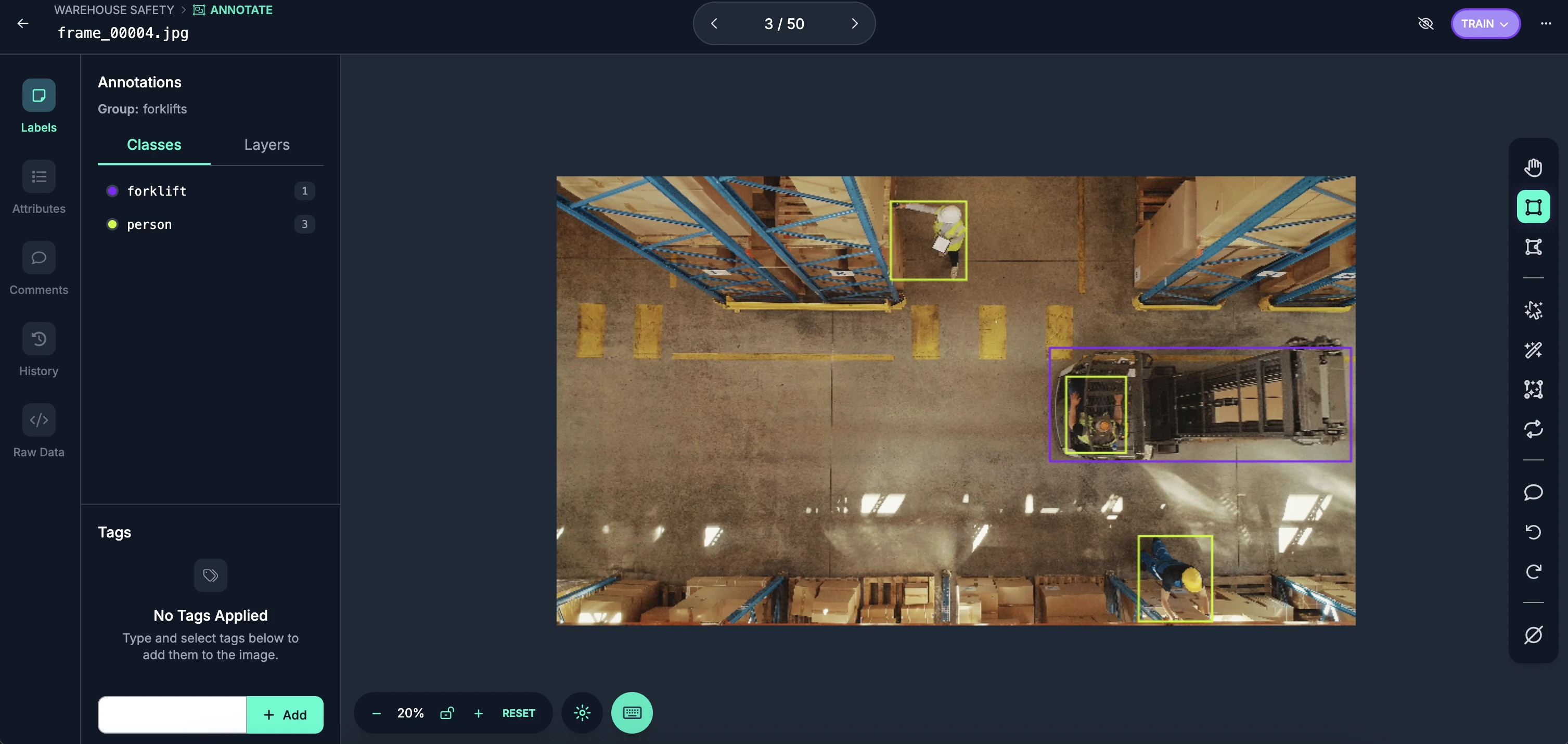
Then, click the three dots in the top right corner:
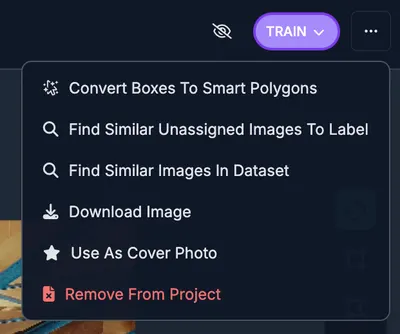
Click the "Download Image" button.
The image will then be downloaded to your computer.
Download a Transformed Image
You can also download individual transformed images from a Dataset Version. When you view a preprocessed or augmented image in the version's image detail view, click "Download Image" in the action menu to download that specific transformed version of the image.