Roboflow Workflows let you build a multi-step computer vision application in your browser - chaining models, logic, and integrations together - then deploy it to the Roboflow Cloud or your own hardware. The same Workflow runs on images, video files, and live RTSP streams through Roboflow Inference.
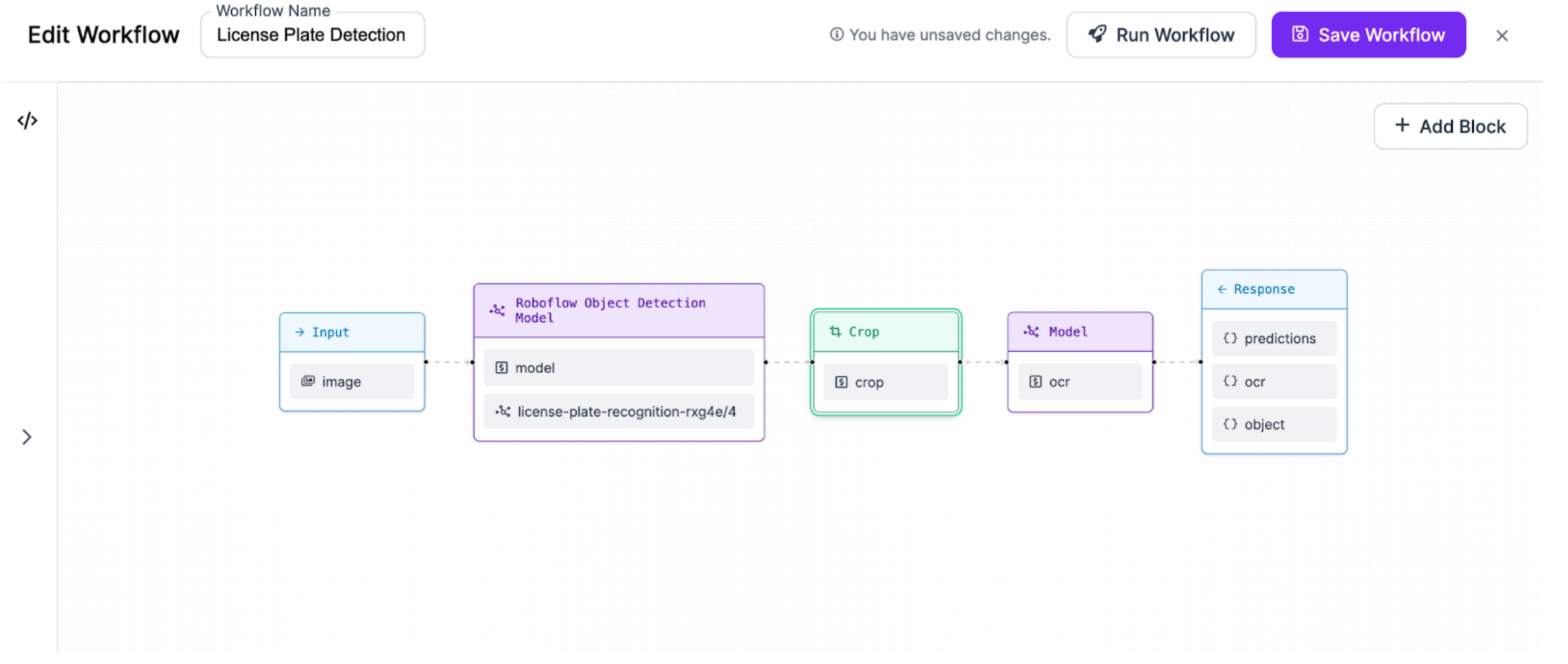
Workflows are an ecosystem of pluggable, reusable Blocks. You connect them on a canvas, and the Workflows engine runs the finished application, which takes you from prototype to production without writing glue code. Roboflow ships a large catalog of Blocks and the community can publish their own, so the ecosystem keeps growing.
With Workflows you can:
- Detect, classify, and segment objects in images using state-of-the-art models.
- Use Large Multimodal Models (LMMs) to make determinations at any stage of a Workflow.
- Add business logic that translates model predictions into your domain language.
Build & Deploy


Prefer to learn with video? This tutorial walks through building your first Workflow:
Manage
- Manage Workflows - organize the Workflows in your workspace
- Manage Workflow Versions - track and roll back changes over time
- Share a Workflow and Delete a Workflow
Blocks & Integrations
- Workflow Blocks - the full catalog of Blocks, grouped by category, with inputs, outputs, and usage
- Blocks Governance - control which Blocks are enabled across your workspace
- Enterprise Integrations - integrations available to enterprise customers
Extend Workflows
- Developer Guide - the Workflow Definition language, the Compiler and Execution Engine, kinds, and how to write and publish your own Blocks
- Video Processing - run Workflows on video frames and streams
Ready to put a Workflow into production? See Deploy a Workflow and the Deployment documentation for cloud, dedicated, and self-hosted options. </content>