Roboflow Instant is a quick-to-train, few-shot model you can use while developing a Proof of Concept.
Instant automatically trains a model using your dataset as soon as you approve a new batch of images in your dataset.
This model is then available for use in Roboflow Workflows, like any other model trained on Roboflow.
Instant only supports Object Detection projects.
Roboflow Instant models are free to train.
Train a Roboflow Instant Model
Roboflow Instant models are automatically trained when you add <1000 images to your dataset and no Instant model exists for that project yet.
You can also trigger an Instant training job manually.
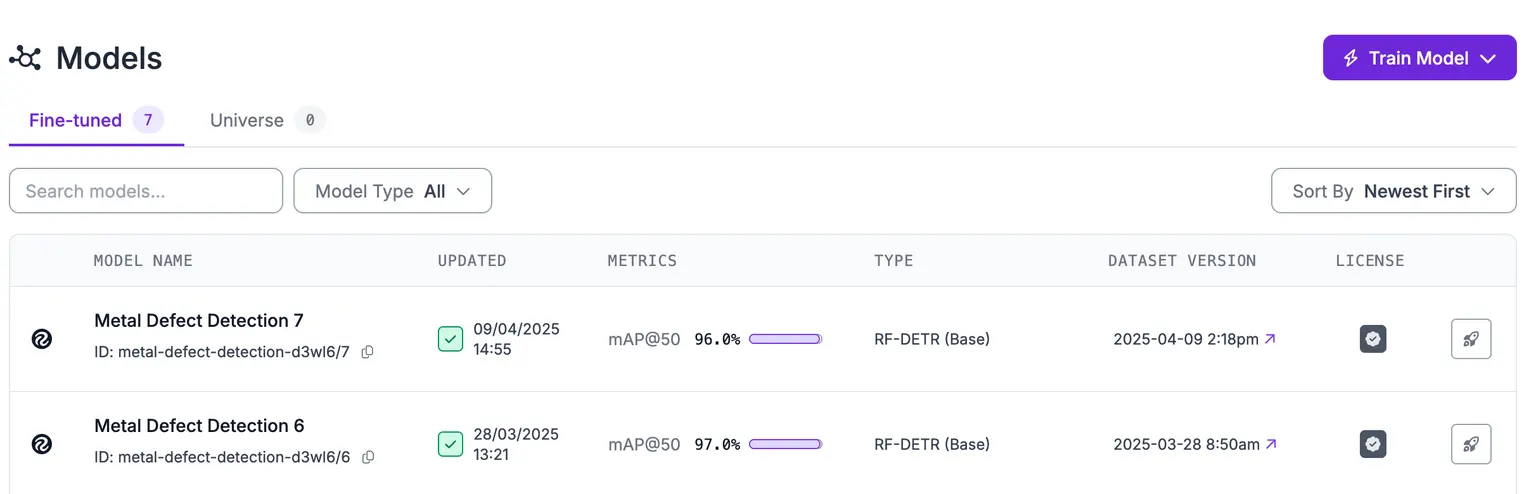
To trigger an Instant training job, navigate to a Project, click Models in the sidebar, then click "Train Model":
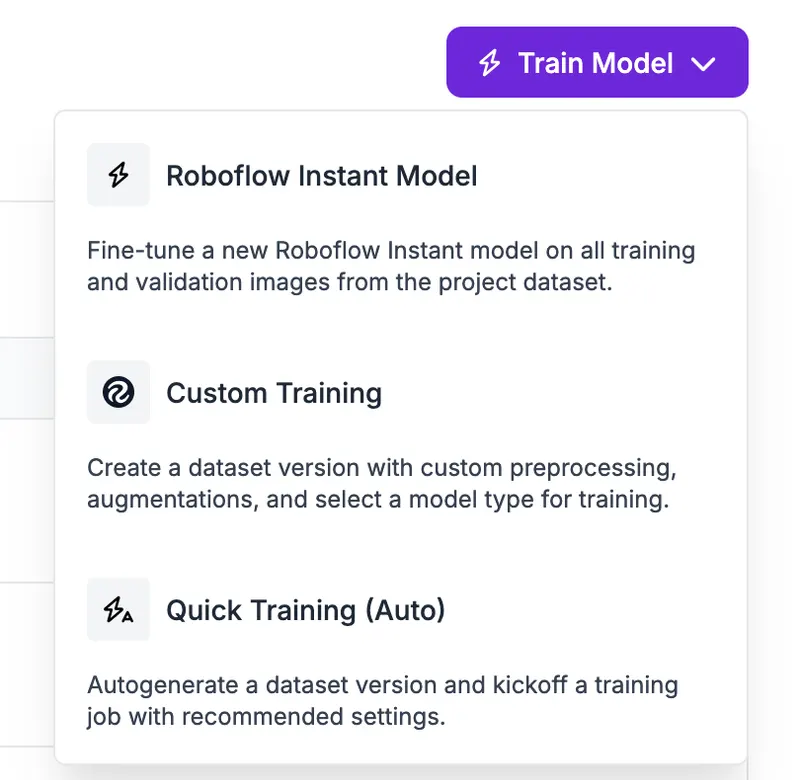
Choose "Roboflow Instant Model":
You will then be asked to confirm your training job:
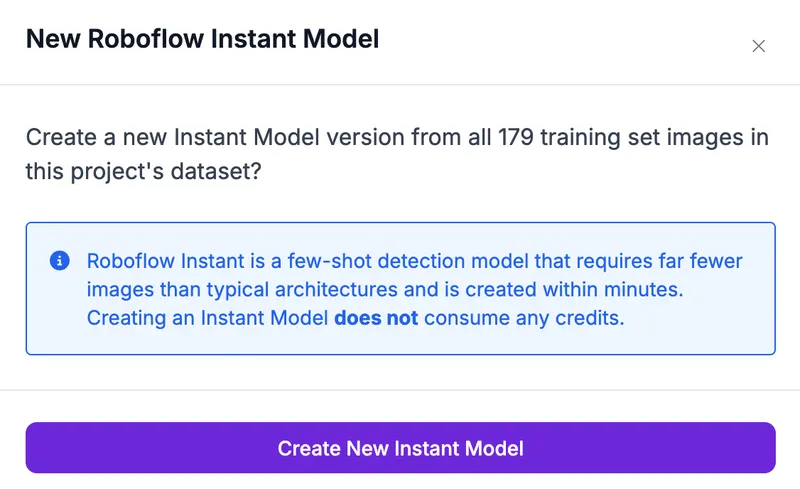
You cannot apply preprocessing or augmentation steps to Instant models.
Click "Create New Instant Model" to start your Roboflow Instant training job.
Your training job will then begin.
It may take several minutes for your model to be ready to use.
Your Instant model will then appear in your model list:

Deploy an Instant Model
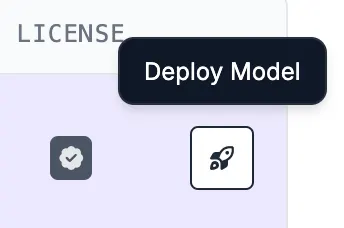
To use your model, click the Deploy Model button on the right side of the row of the model you want to deploy:
A window will appear from which you can choose Workflow template to use in your deployment. You can also opt to build your own Workflow.
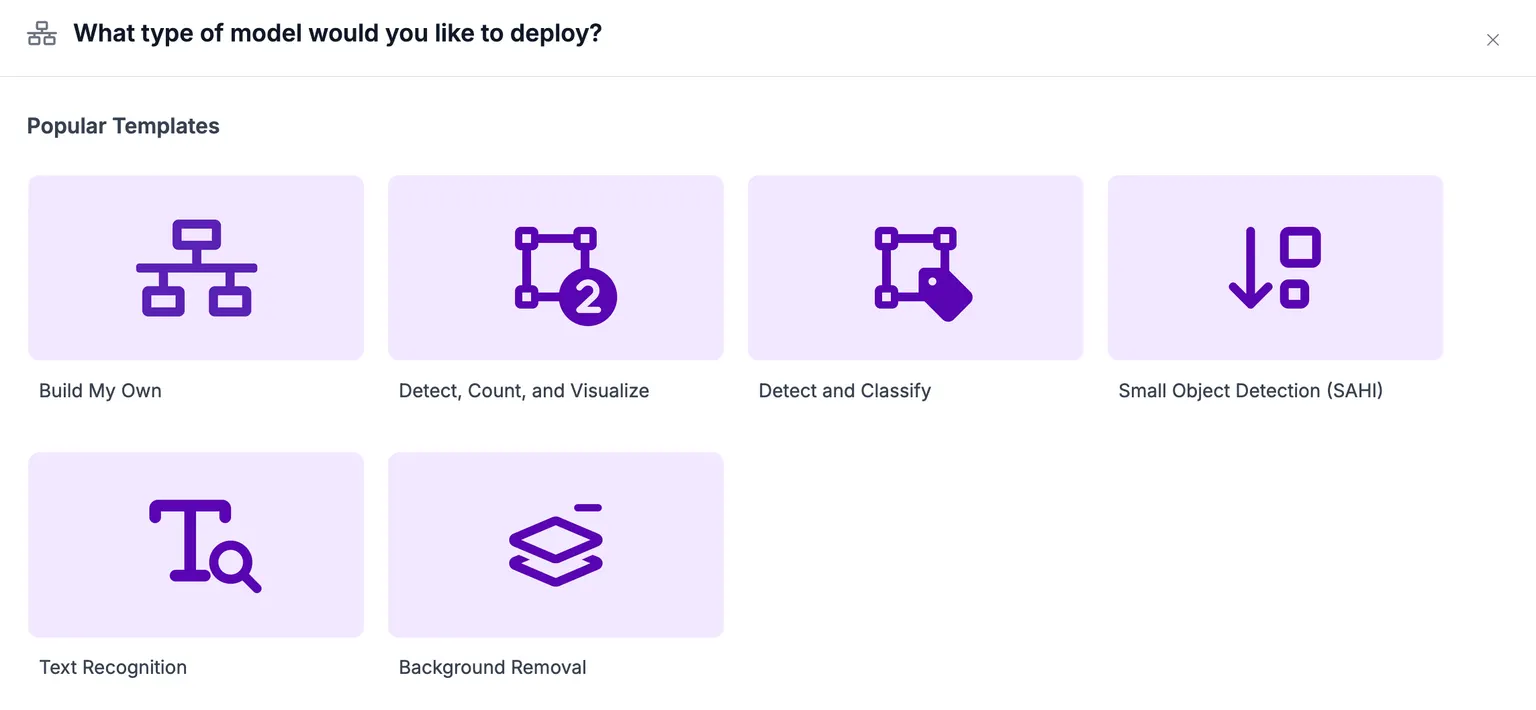
When you select an option, a Workflow will be created. This Workflow will be accessible from the Workflows page in your Roboflow Workspace.
Here is an example of a Workflow created from the Detect, Count, and Visualize template:
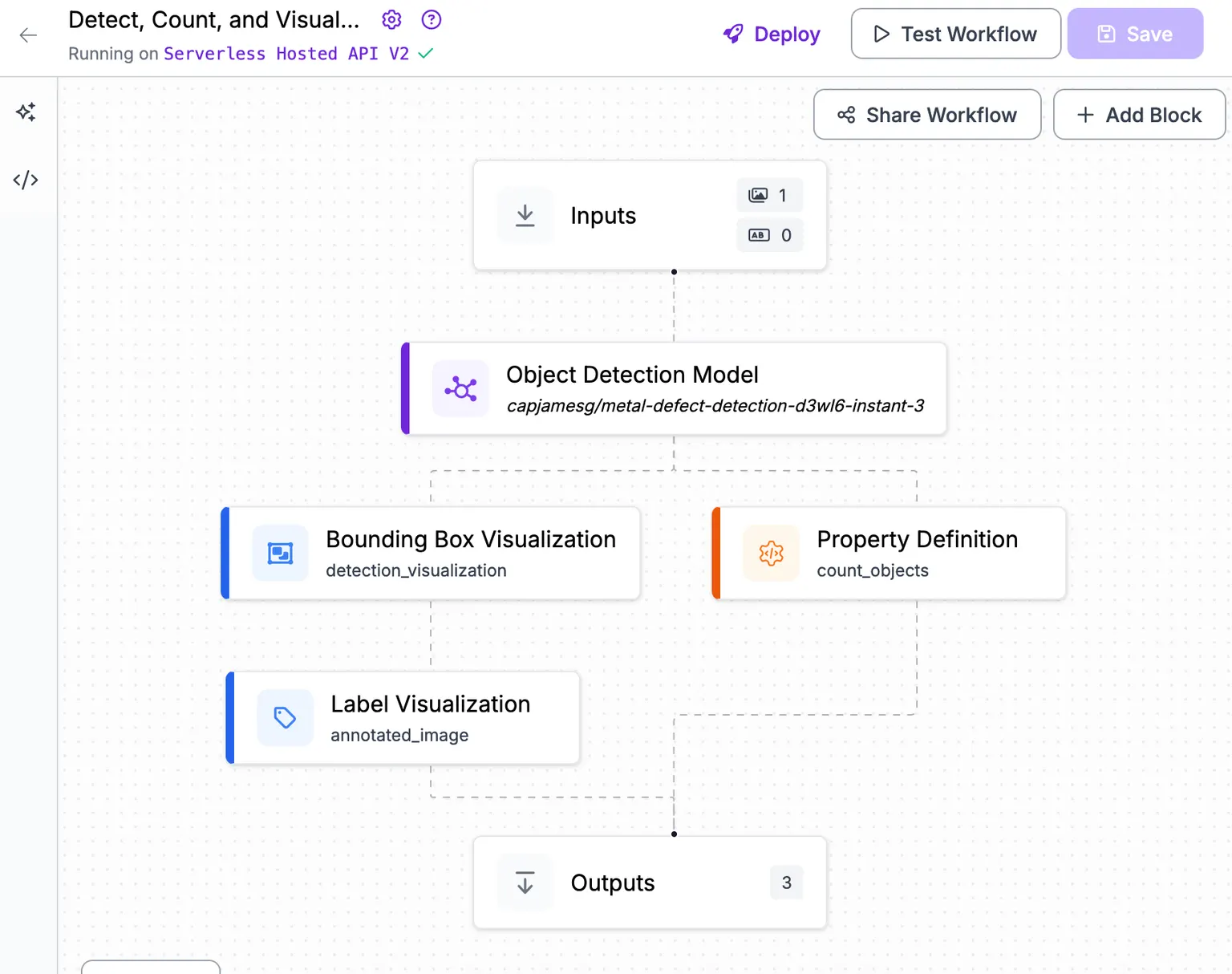
This Workflow uses the Roboflow Instant model.
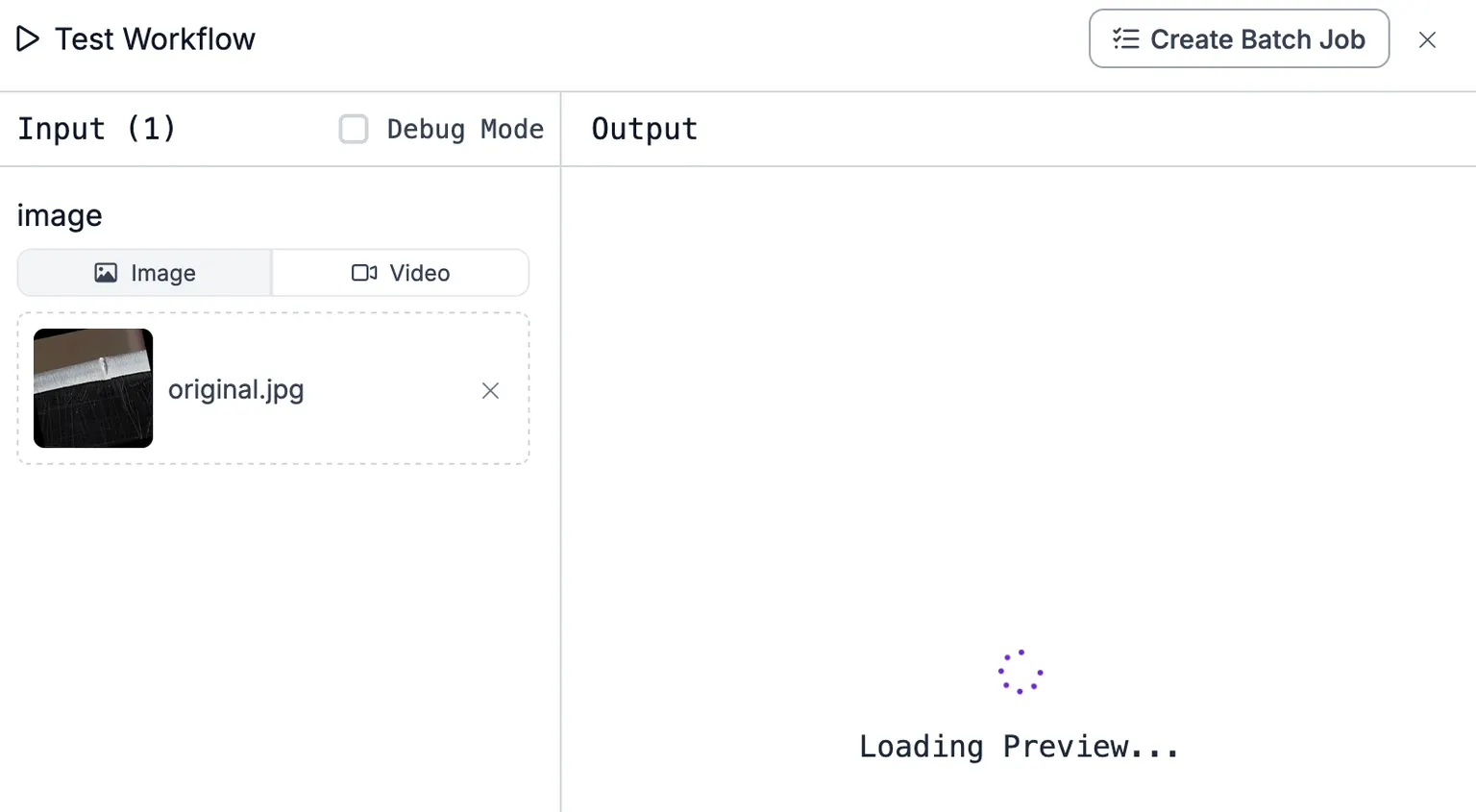
You can test your Workflow to see the Instant model in action:
Run an Instant Model with an API
Once trained, an Instant model is available on the Serverless Cloud API using the same endpoint pattern as any other Roboflow model.
You call your Roboflow Instant model by its per-model {workspace}/{model-slug} ID (see Versions, Trainings, and Models), the same way you would call a Roboflow 3.0 model.
Confidence thresholds for Instant models can be sensitive. Optimal values typically range from 0.85 to 0.99 depending on the size of your training set.
Code sample
Get your API Key
Create a Roboflow account, find your key on the Roboflow API settings page and make it available to your shell:
export ROBOFLOW_API_KEY="your-key-here"Install the dependencies
Install the Inference SDK and supervision:
pip install -U inference-sdk supervisionRun the model
This example runs the public rf-bolts Roboflow Instant model (screw, flat-washer, hex-nut), trained few-shot from a small labeled set. Swap in your own {workspace}/{model-slug} for your trained Instant model.
import os
import cv2
import supervision as sv
from inference_sdk import InferenceHTTPClient

image = sv.load_image_from_url("https://media.roboflow.com/docs/bolts.jpg")

client = InferenceHTTPClient(
    api_url="https://serverless.roboflow.com",
    api_key=os.environ["ROBOFLOW_API_KEY"],
)
results = client.infer(image, model_id="erik-pe6au/bolts-uzqzc-instant-1")

detections = sv.Detections.from_inference(results)

annotated_image = sv.BoxAnnotator().annotate(image.copy(), detections)

cv2.imwrite("annotated.png", annotated_image)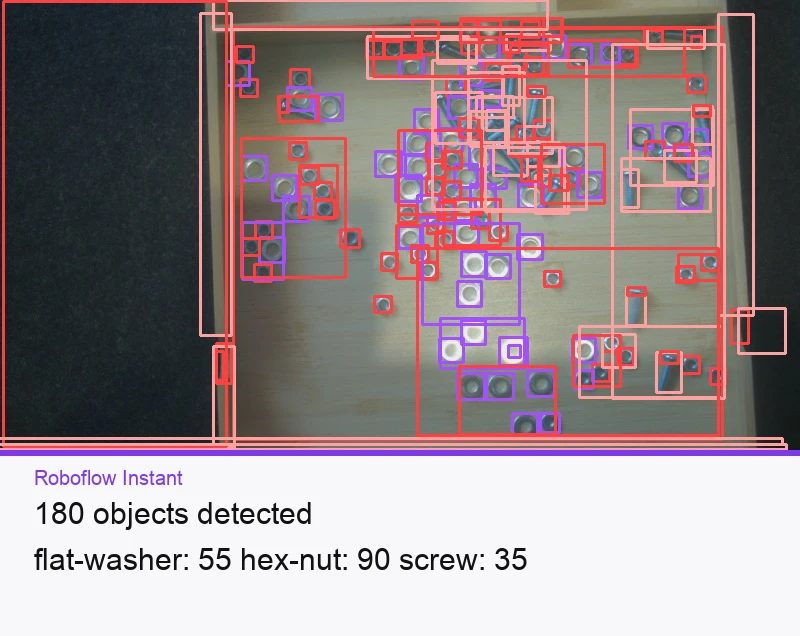
Set api_url to match your deployment target:
https://serverless.roboflow.comfor the Serverless Cloud API.http://localhost:9001for a local Inference server.- Your Dedicated Deployment URL for a private endpoint.
For more deployment options and self-hosting, see Self-Hosted Deployment.