All models you have trained are available on the Models page associated with your project.
Click "Models" in your project sidebar to see all trained models:
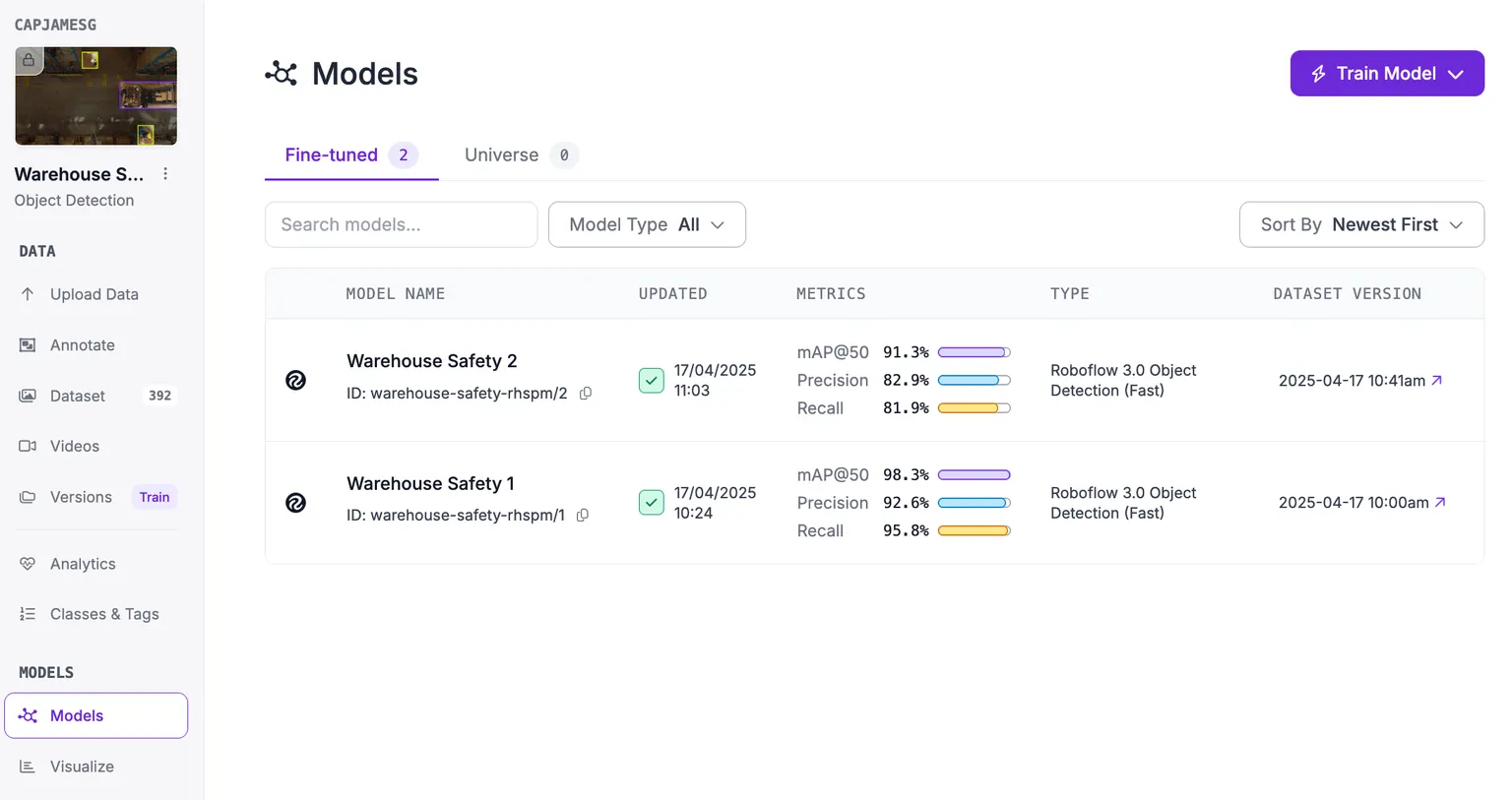
Your models page shows two tabs:
- Fine-tuned: All Instant and fine-tuned models associated with your project, and;
- Universe: All models you have starred on Universe that you can use for transfer learning.
Every model shows:
- The model name and model ID. The model ID is useful for adding a model to a Workflow.
- When your model was last updated.
- The training metrics for your model.
- The architecture used for training.
- The model license.
- The dataset version used in training the model.
When you start training a new model, the model will show up in the list. A dataset version can hold more than one model.