This section is for people who extend Roboflow Workflows rather than only build with them: block authors, plugin maintainers, and anyone integrating the Workflows Execution Engine into their own application.
If you just want to build and run a Workflow in the browser, start with Create a Workflow and Build a Workflow instead.
The pillars of Workflows
Several components work together to power a Workflow. Some you interact with daily, others run behind the scenes.
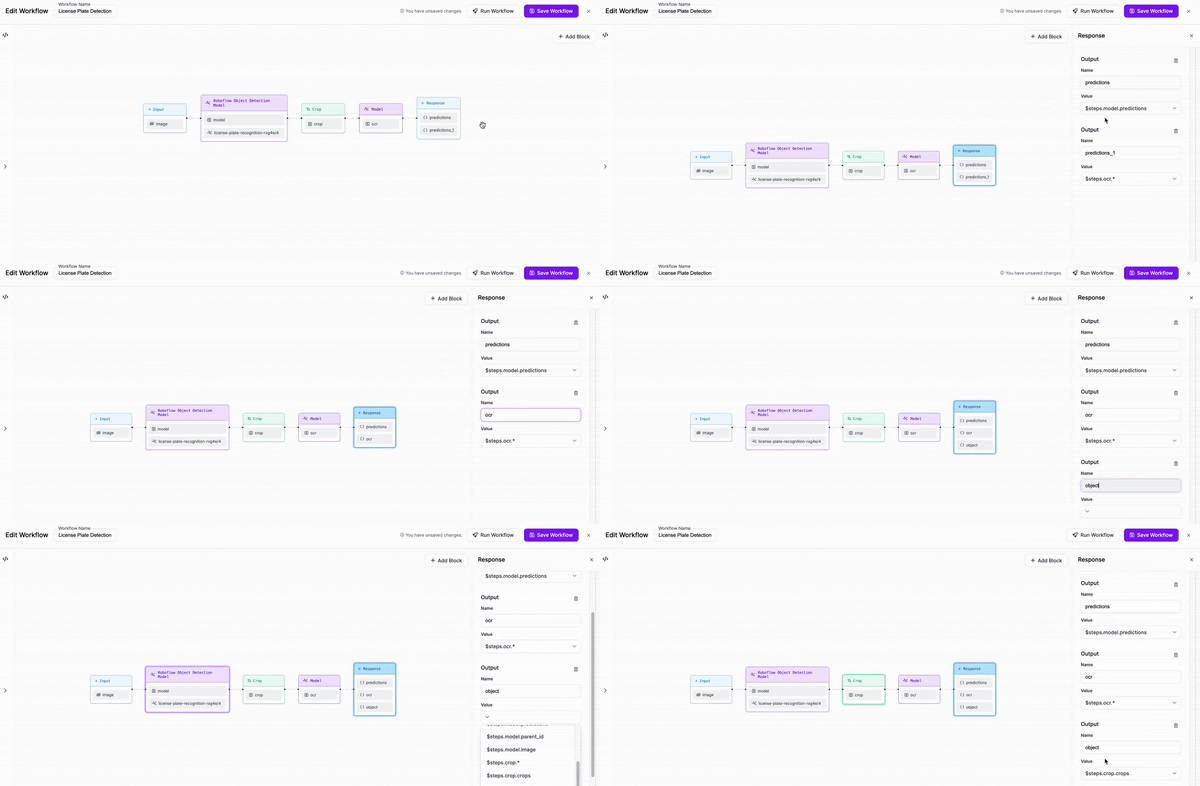
- Workflows UI - the visual editor where you design and manage Workflows. It is not strictly required, but it is the fastest path from idea to a working Workflow. At the end of the design process it produces the Workflow Definition that the Compiler and Execution Engine consume.
- Workflow Definition - an interchangeable JSON document that acts as a program written in the Workflows language. It separates the design of a Workflow from its execution: author it once, then run it in any environment. It declares inputs (images or configuration parameters), steps (instances of blocks, wired to inputs or to other steps' outputs), and outputs (named fields that reference step outputs).
- Workflow blocks - modular components that perform a specific operation. To a Workflow author they are black boxes with declared inputs, configuration properties, and outputs. Blocks are grouped into plugins, which are ordinary Python libraries. Roboflow ships its own plugins and the community can publish theirs.
- Compiler and Execution Engine - the systems that translate a Definition into a computation graph and then run it. Much like a compiler for a traditional language, they check correctness up front and then do the heavy lifting at runtime. They ship with the Inference Server and the
inferencePython package.
Core concepts
- Workflow Definition syntax - the JSON language: version marker, inputs, steps, selectors, and outputs
- Workflow execution - batch-oriented data, scalars, dimensionality levels, conditional execution, and how outputs are constructed
- Kinds - the Workflows type system that makes connections between blocks verifiable at compile time
- Data representations - the Python types your block actually receives:
Batch,WorkflowImageData,VideoMetadata
Under the hood
- Workflows Compiler - block loading, parsing, graph construction, data lineage, and step initialization
- Execution Engine - runtime input validation, execution order, step input assembly, and flow control
- Inner workflows - embedding one Workflow Definition inside another
- Execution Engine changelog - what changed in each Execution Engine version
- Versioning - the compatibility promises between Definitions, blocks, and the Engine
Building blocks
- Create a Workflow block - the full guide: manifests, inputs, outputs, batch processing, flow control, dimensionality
- Bundling blocks into a plugin - plugin structure, required interface, kinds, initializers, serializers
- Dynamic Python blocks - define a block in place inside a Workflow Definition
- Testing blocks - unit and integration testing approach
- Community plugins - plugins published by the community
Operating Workflows
- Workflows Schema API - describe a Workflow's inputs, outputs, and typing hints programmatically
- Workflow profiling - measure step timing and find bottlenecks
- Benchmarks - Workflow overhead compared with direct model inference
- Video processing - running Workflows on video frames and streams