Create a Workflow
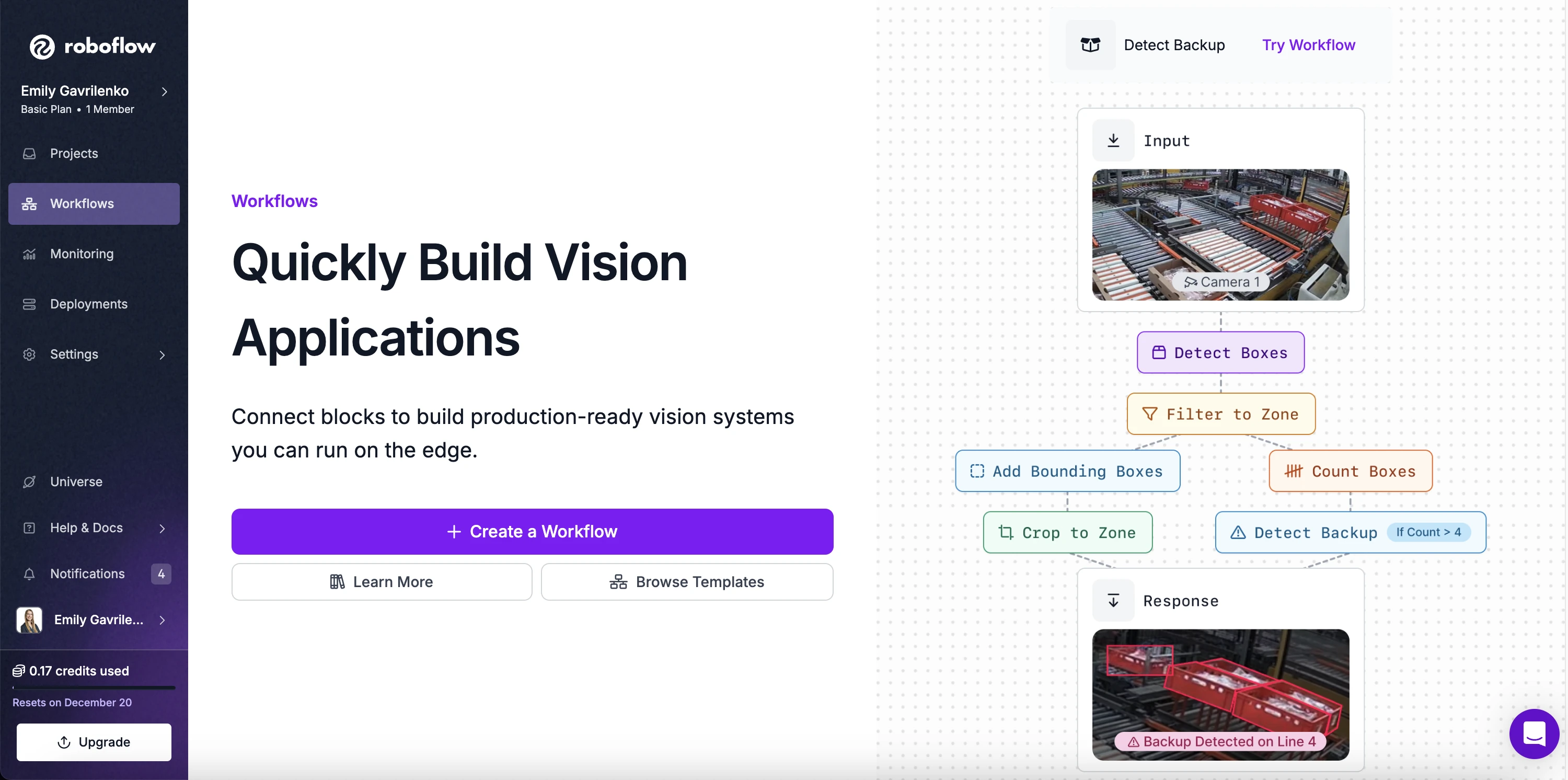
To create a Workflow, navigate to your workspace dashboard and click the "Workflows" tab:
On the Workflows page, click "Create Workflow". This will open a blank workflow directly in the Roboflow workflow editor.
From here, you can start adding blocks to build your workflow from scratch.
Now that you have created a workflow, let's configure it to solve a vision use case.
Next steps
- Add and configure blocks to solve your vision use case. See Build a Workflow.